Transfer is one of the most common ways students enter higher education, and one of the least transparent. Students arrive with credits from community colleges, dual enrollment programs, AP exams, summer courses, even international institutions. They want to know three things: How will my credits apply? How long will it take me to finish? How much will it cost?
Most institutions can't answer those questions quickly. Many can't answer them at all until weeks after a student has applied.
In this webinar, Jessica Windell (Campus Implementation Manager at Stellic and former registrar with a decade of higher ed experience) and Brian Mikesell (VP of Solutions Consulting at Stellic) walk through what the transfer experience looks like today, what's possible with the right tools, and how institutions are already making the shift.
Watch the full recording below, or read on for a recap of the key themes.
Two sides of the same problem
The session opened with a poll: where does your transfer evaluation process break down? The two most common answers mapped to opposite sides of the same gap.
On the student side, the biggest pain point was lack of visibility. Prospective and current students want to know how much time their prior work will save them, how much money it could save, and what degrees they're closest to completing. But most institutions can't surface that information until well after a student has applied. Students submit transcripts and wait, with no way to see how their credits apply, which requirements they've satisfied, or whether the program they're interested in is a good fit for what they're bringing in. For a fuller picture of where evaluation breaks down, see our guide to the common credit transfer evaluation challenges.
On the staff side, the issue is time. Transfer coordinators and registrars want the system to handle the data entry from transcripts, organize equivalency rules, auto-articulate credit against those rules, allow case-by-case overrides, route unfamiliar courses to departments for input, and post results to the SIS. In practice, most of that still happens manually.
Jessica brought both sides to life with her own experience. As a registrar, she described being the "walking catalog" for transfer credit decisions. The rules for how courses should articulate lived in her head, not in the system, because her team was too lean to formalize them. She was, in her words, "flat out a blocker" for students trying to enroll, simply because there wasn't enough time in the day.
She also reframed a common assumption. Transfer students aren't the only ones carrying prior credit. After COVID, she started seeing a surge of incoming freshmen with dual enrollment, AP, and CLEP credits. She stopped using the term "transfer student" altogether and started saying "students with prior credit," because that's who the process needs to serve.
What it looks like when the process is connected
Brian walked the audience through four personas to show how Stellic Explore addresses both sides of the transfer problem, using live production environments at Indiana University and the University of Newcastle.
For prospective students, the experience starts before they've even applied. Brian showed a student uploading three transcripts, including a dot-matrix transcript from 2011. Using AI-powered OCR, Stellic read the transcripts in seconds and returned results showing which courses had existing equivalencies, which wouldn't count, and which needed further review.
The student could then compare how those transfer credits applied across different programs. Looking at biology, four out of four courses counted. Switch to anthropology, and only one counted. Switch to neuroscience, and none did. Brian pointed out that there's almost no way a student or staff member could run that comparison manually.
Indiana University has embedded this directly into their program pages, so a prospective student browsing elementary education at IU Indianapolis can click "Academic Pathway" and immediately check how their prior credits would apply. The University of Newcastle has done the same, with separate pathways for fall and spring start terms.
Brian also previewed a new guided flow in development where students upload transcripts, answer intake questions about their interests, and see recommended programs ranked by how much time and money their credits could save.
For enrolled students, Explore adds a transfers tab where they can see what's been posted, what's pending review, and where it sits in the workflow. That transparency alone cuts down on the "where does my credit stand?" emails that consume staff time.
For staff, Brian showed how incoming transcripts auto-articulate against existing transfer rules, with only unfamiliar courses getting flagged for review. Those courses route to the relevant department through a built-in workflow that replaces email chains entirely. He also showed AI-powered features that help staff create new rules faster by pulling course descriptions from sending institutions and suggesting equivalencies. A Suggestions tab surfaces the courses with the highest student demand so coordinators can prioritize the rules that will help the most students at once.
Jessica's reaction to the auto-posting feature was telling. She asked Brian: could the system eventually bypass the coordinator entirely and just post the result? Brian confirmed it's on the roadmap. Jessica's response: "If you've done the hard work to build the rules, why not let the system do it for you?"
Getting started: best practices from the session
Jessica closed with practical guidance for institutions thinking about Explore.
First, you need transfer rules. Either they're already in your SIS and need cleanup, or they're undocumented and need to be built. Stellic's team works alongside institutions to get that done.
For institutions navigating dual enrollment credit transfer specifically, we’ve written a focused guide on protecting student progress.
Second, identify who should be involved and document your policies. Transfer can live in admissions, the registrar's office, or a one-stop shop. Getting policies written down ensures the rules in the system reflect how the institution actually wants to operate.
For a deeper look at the variety of credits institutions encounter, see our breakdown of seven types of transfer credit every institution should be ready for.
Third, make sure you have the right resources in place, especially IT or technical skill sets for implementation.
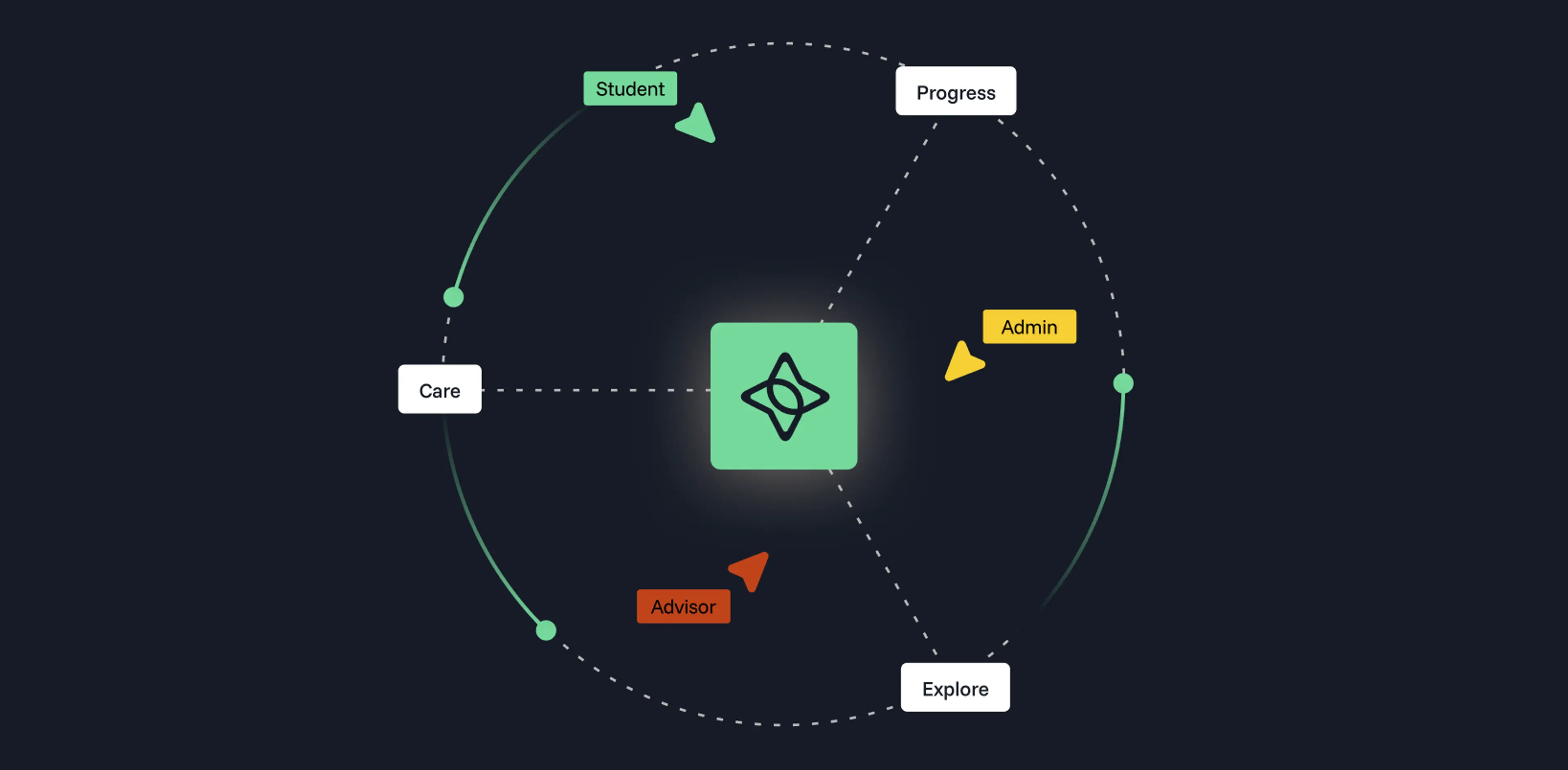
Finally, decide where to start. Most institutions start with Progress (degree audit, planning, pathways) and then layer on Explore. Within Explore, schools can launch the prospective student experience or the admin workflow first and add the other later. If an institution already has audits and pathways built, the prospective side can go live quickly while the transfer admin workflow gets set up in parallel.
If you're thinking about how to modernize transfer at your institution, we'd love to talk.