Picture a student three semesters from graduation who just learned that the two electives she loved don't count toward her major. She did the work and earned the grades, but a requirement slipped through unnoticed, and now she's scrambling. Catching that gap before it becomes a crisis is the whole reason a degree audit exists. A degree audit is a report that lines up every course a student has taken against everything their program requires, then shows in one place what's finished and what's still outstanding. When it works the way it should, no student reaches their final year and discovers a surprise.
If you've ever opened one and felt more lost than reassured, you have company. Below is what a degree audit shows you, how to read yours without needing someone to translate it, and what makes one genuinely helpful instead of just another confusing PDF.
What a Degree Audit Shows You
At its core, a degree audit answers a single question: how close am I to graduating? To do that, it pulls together a few things that normally live in different places. You'll see your completed courses, the credits you've earned and the ones still in progress, your GPA, and the specific requirements your degree demands, from general education to major coursework to any minors or concentrations you've declared.
One detail trips people up more than any other: the catalog year. Your audit evaluates you against the requirements that were in effect when you entered your program, not necessarily the ones a school lists today. That's why two students in the same major can have different requirements, and why your catalog year matters so much when you're reading the results. A good audit makes that context obvious instead of burying it. If you are not sure which one applies to you, here is what a catalog year is and how it gets assigned.
The point of all this is visibility. Rather than asking a student to track requirements across a catalog, a transcript, and a stack of advising notes, a degree audit reporting system gathers everything into one current snapshot of progress toward the degree.
How to Read Yours Without Needing a Decoder
Most degree audits group your requirements into sections, and each section tells you whether it's satisfied, in progress, or still unmet. Start at the top with the summary, which usually gives you a quick read on overall completion, then work down into the categories that aren't yet complete. Those open requirements are where your attention belongs, because they're the courses still standing between you and graduation. All of this gets a final check in your last year, and how to apply for graduation and what degree clearance checks covers the step most students find out about too late.
Look for a "what-if" feature too, since many systems include one. A what-if audit lets you test how your progress would change if you switched majors or added a minor, so you can map out your remaining terms with the requirements right in front of you. If you're staring at a requirement you don't understand, that's a perfect question to bring to your advisor, and a clear advising conversation often resolves in minutes what a confusing audit can't.
Wait, Isn't This Just My Transcript?
It's a fair question, and the two documents are easy to mix up. A transcript is the official record of every course you've taken and the grade you received. A degree audit takes that same coursework and measures it against your program's requirements, so it tells you not just what you've done but what it counts toward and what's left. Your transcript is history. Your audit is a progress report against a goal.
That distinction matters when graduation gets close. An unofficial transcript can confirm you passed a class, but it won't tell you that the class filled a requirement, or that you're three credits short in a category you assumed was handled. For planning purposes, the audit is the document you want open.
What Makes a Degree Audit Genuinely Useful
Plenty of audits technically work and still leave students guessing. The difference usually comes down to whether the audit is current, readable, and available the moment someone needs it. An audit that updates in real time as registrations and grades post will always serve a student better than one that's recalculated once a term and printed to PDF.
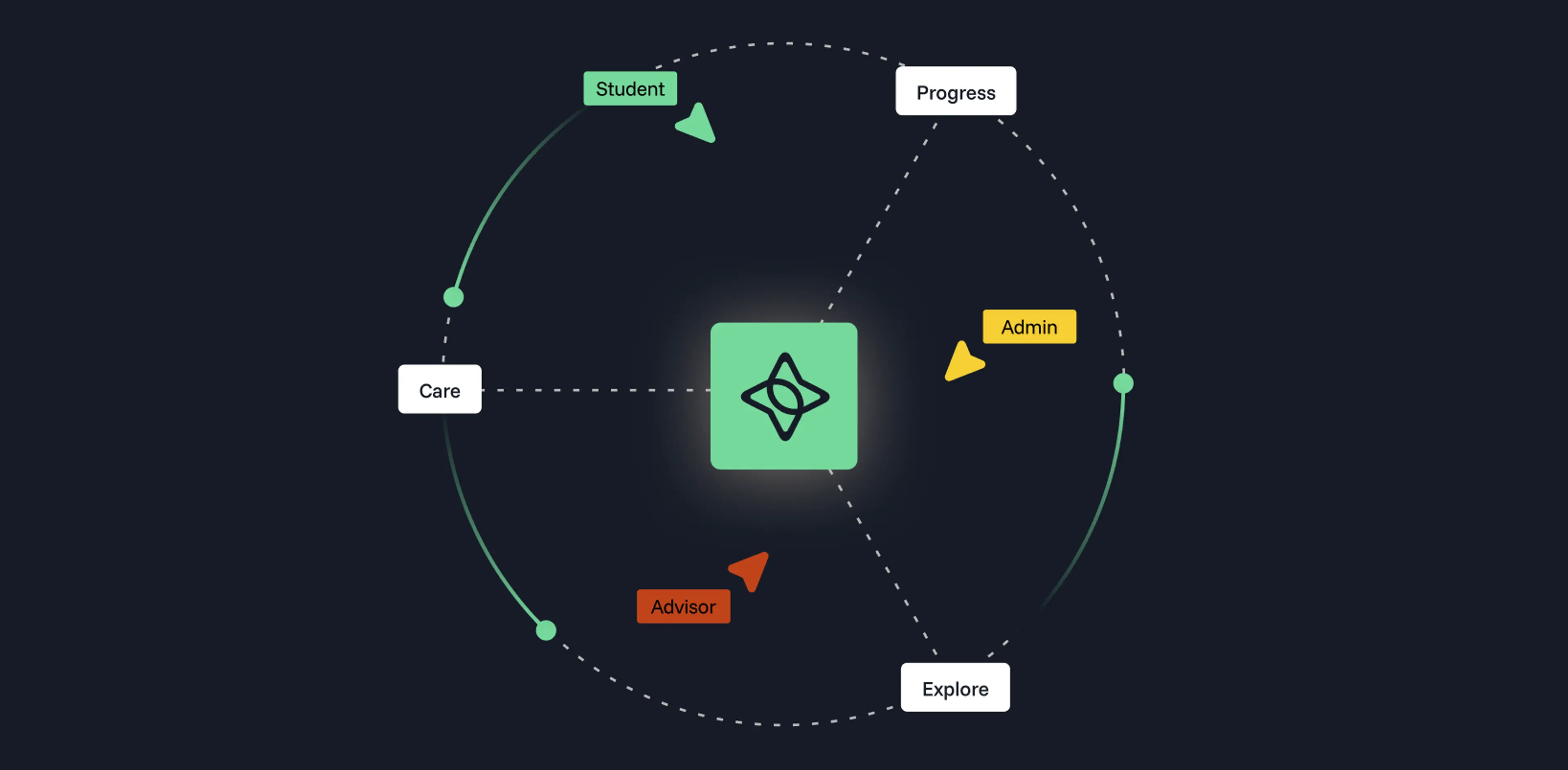
This is where modern degree audit automation earns its keep. When the audit lives inside the same place a student does their degree planning, they can see a requirement, slot the right course into a future term, and watch the audit update without filing a request or waiting on anyone. Platforms like Stellic's Progress are built around exactly that loop, so the audit becomes a tool students return to rather than a report they decode once and forget.
Checking In Beats Catching Up
The student from the opening didn't need a better transcript. She needed to see the gap while there was still time to close it. A degree audit, read regularly and built to stay current, gives every student that chance, and it gives advisors and registrars a shared, trustworthy picture to work from. That kind of clarity doesn't happen by accident. If you're curious what a real-time, student-friendly degree audit looks like in practice, we'd love to show you. Request a demo and we'll walk you through it.
If your audit flags something you thought you'd finished, here's why a degree audit shows missing requirements and how to fix it.